
Adobe Muse CC Training
Adobe Muse CC Training focuses on visual website planning, page layout, responsive design, widgets, typography, image use, navigation, preview review, […]
-
 -by SkillDynamo
- 0 Students
- Last updated
Course Description
Adobe Muse CC Training focuses on visual website planning, page layout, responsive design, widgets, typography, image use, navigation, preview review, and publishing-ready web design practices for non-code site creation.
What You Will Learn
- Plan visual website plans for visual work using breakpoint references.
- Build responsive layout decisions with breakpoint assets and widget review.
- Refine widget-based navigation through widget feedback plus navigation checks.
- Validate page design consistency against navigation rules before handoff release.
- Organize export preparation steps in handoff files with visual traceability.
- Troubleshoot layout behavior problems by testing breakpoint settings and widget behavior.
- Present client preview materials through navigation examples for visual stakeholders.
- Document site handoff notes as handoff notes for breakpoint updates.
Curriculum
- 1 Section
- 4 Lessons
- 24 Hours
Expand all sectionsCollapse all sections
SkillDynamo Expert Team
Instructor-led delivery by the SkillDynamo Expert Team, with practical demonstrations, guided exercises, and course-specific review checkpoints for Adobe Muse CC Training.
Student Reviews
No published reviews yet.
Log in with your student account to submit a review. Register using your email.
Previously imported course feedback
Learner reviews will be added after review and approval by the SkillDynamo team.
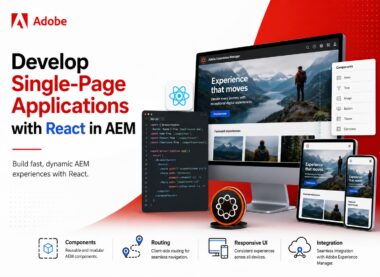
Develop Single-Page Applications with React in AEM
Build an end-to-end React single-page application with Adobe Experience Manager SPA Editor, reusable components, routing, Sling Models, GraphQL, and a practical capstone.
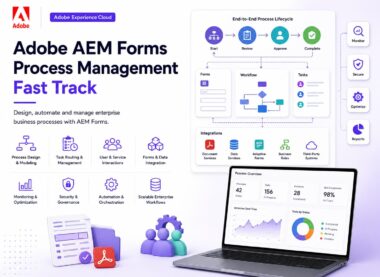
Adobe AEM Forms Process Management Fast Track
This instructor-led online training on Adobe AEM Forms Process Management focuses on designing, implementing, and managing enterprise business processes using Adobe Experience Manager Forms. The course is designed to.
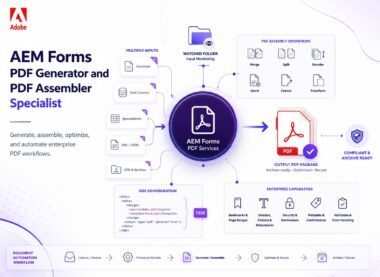
Adobe AEM Forms PDF Generator and PDF Assembler Specialist
This specialist-level training focuses on building enterprise document processing solutions using the PDF Generator Service and PDF Assembler capabilities within Adobe Experience Manager. Participants will learn how to generate,.
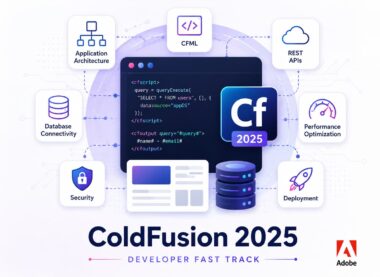
Adobe ColdFusion 2025 Developer Fast Track
The Adobe ColdFusion 2025 Developer Course is a comprehensive hands-on training program designed to equip developers with the skills required to build, deploy, and maintain modern web and enterprise.
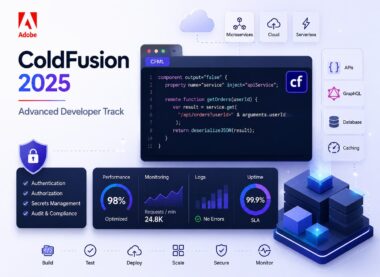
Adobe ColdFusion 2025 Advanced Developer Track
The Adobe ColdFusion Advanced 2025 course is designed for experienced ColdFusion developers, architects, and administrators who want to deepen their expertise in enterprise application development, performance optimization, security, cloud.
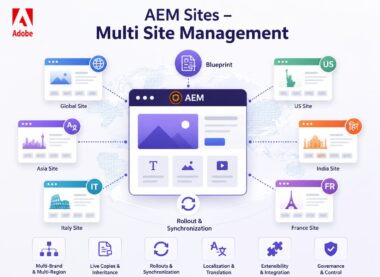
Adobe AEM Sites – Multi Site Management (MSM)
Adobe Experience Manager (AEM) Multi-Site Management (MSM) is a powerful framework that enables organizations to efficiently manage multiple websites, languages, brands, and regional variations from a centralized content source..